Log in two taps
Tap a student, then a behavior. That is a complete entry. The time is the moment of your first tap, not when you save. Logged it late? Move it back 5, 10 or 15 minutes. An undo button appears after every save.
🦊 SAOn task9:41
 Little Log
 records a student's behavior in two taps, timed at the first one. Finish the details when you have a moment. No account, no servers of ours, no tracking: nothing is sent to us.
Try it: tap a student.
A demo with made-up students. It runs in your browser and saves nothing.
When something happens in a classroom, you rarely have a free minute. Little Log takes the two taps now and keeps the rest for later.
Tap a student, then a behavior. That is a complete entry. The time is the moment of your first tap, not when you save. Logged it late? Move it back 5, 10 or 15 minutes. An undo button appears after every save.
Entries without details wait in Finish later. Add the trigger, the response, the outcome, the place and a note when you can. It uses the ABC format behavior teams already know.
Hold a student's button and say what happened. Turn it into text on your device; the audio is then deleted. Recordings are never shared, exported or backed up.
Set optional goals per student. See a calm weekly chart and one plain sentence comparing it with last week. No streaks, no red, no grades.
Timed behaviors start a clock. Several can run at once, and each one stops with one tap.
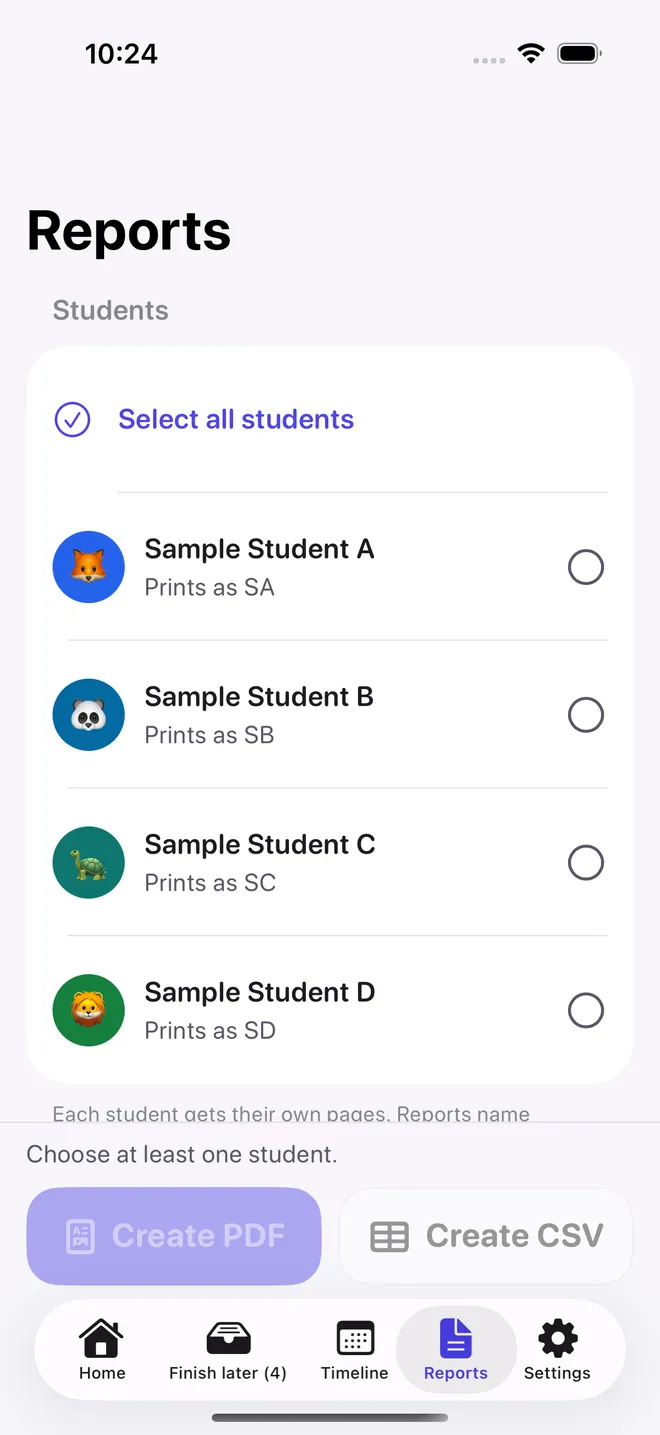
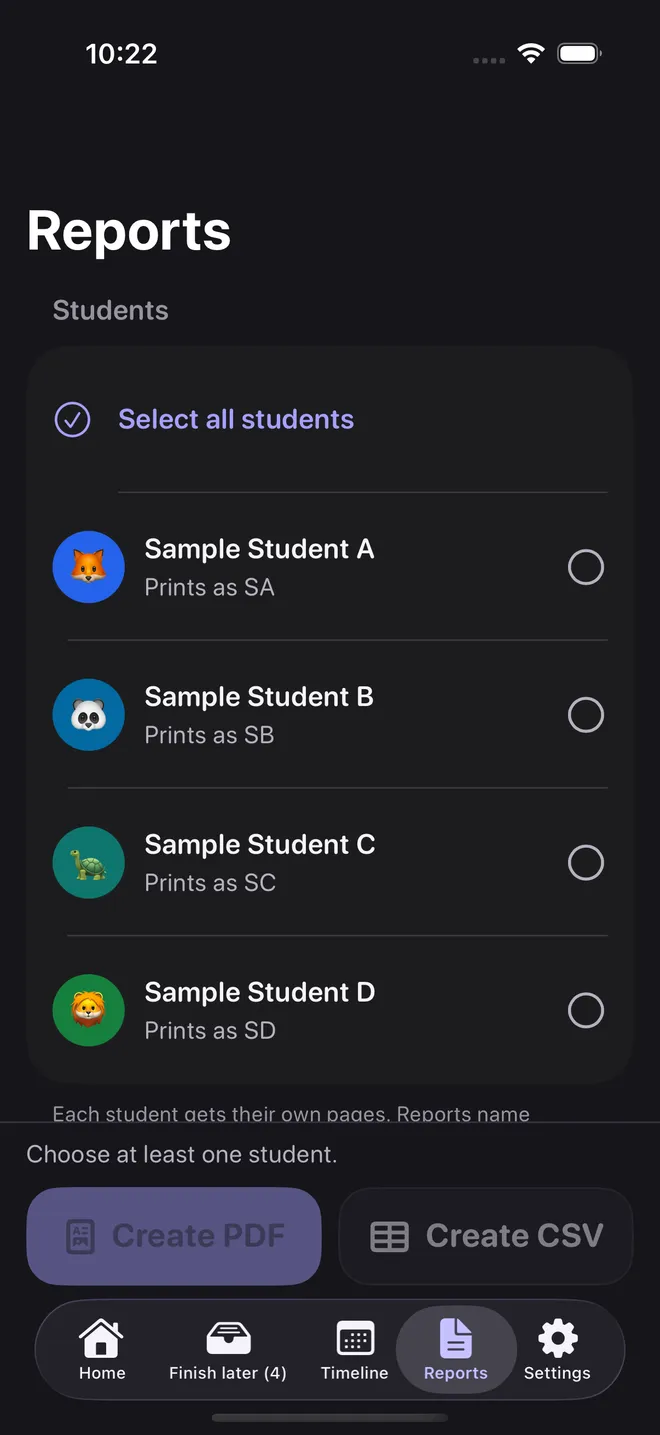
Export clean PDF or CSV reports for a day, a week or any range, for one student or several. Reports use a report code such as "SA" by default. You choose the columns, and whether to include names or goal trends.
Lock Screen widgets, Control Center controls (iOS 18 and later), Siri and Shortcuts, the Action Button and Back Tap. Widgets and controls show an emoji or a code, never a name.
Straight from the app, in your light or dark setting. Every student shown is made up.
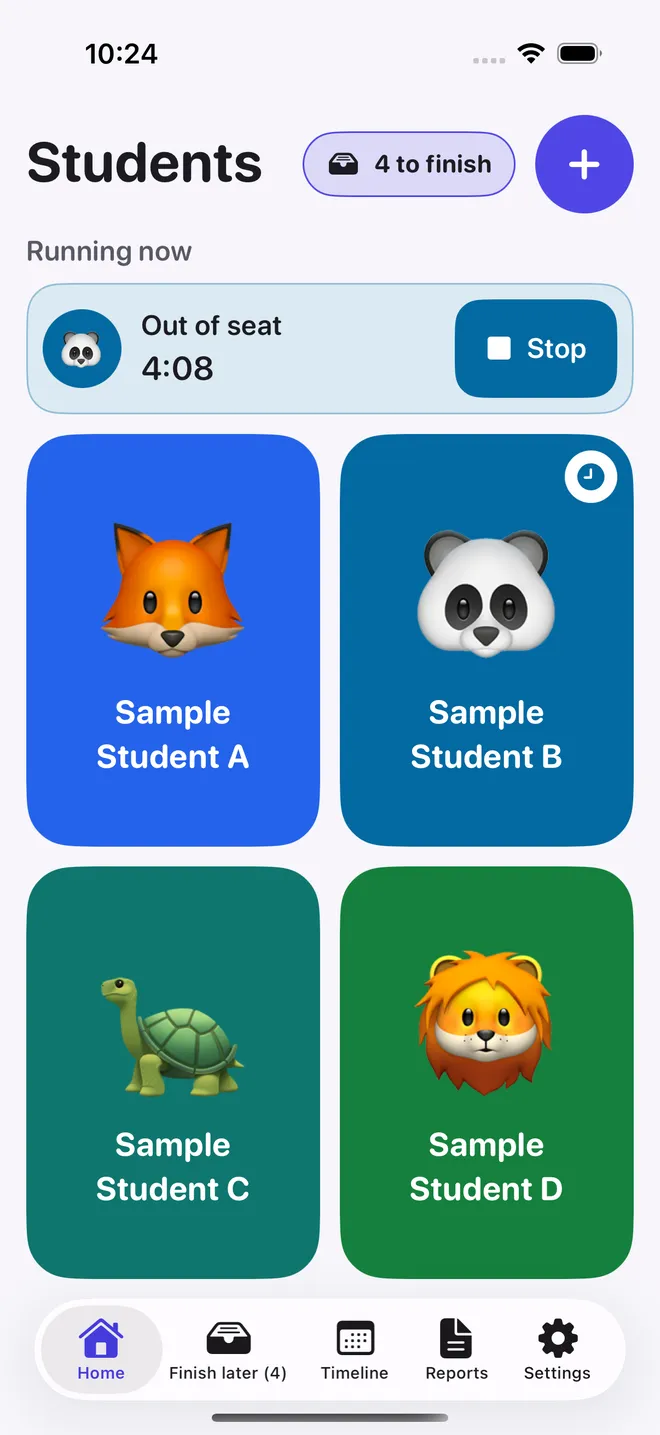
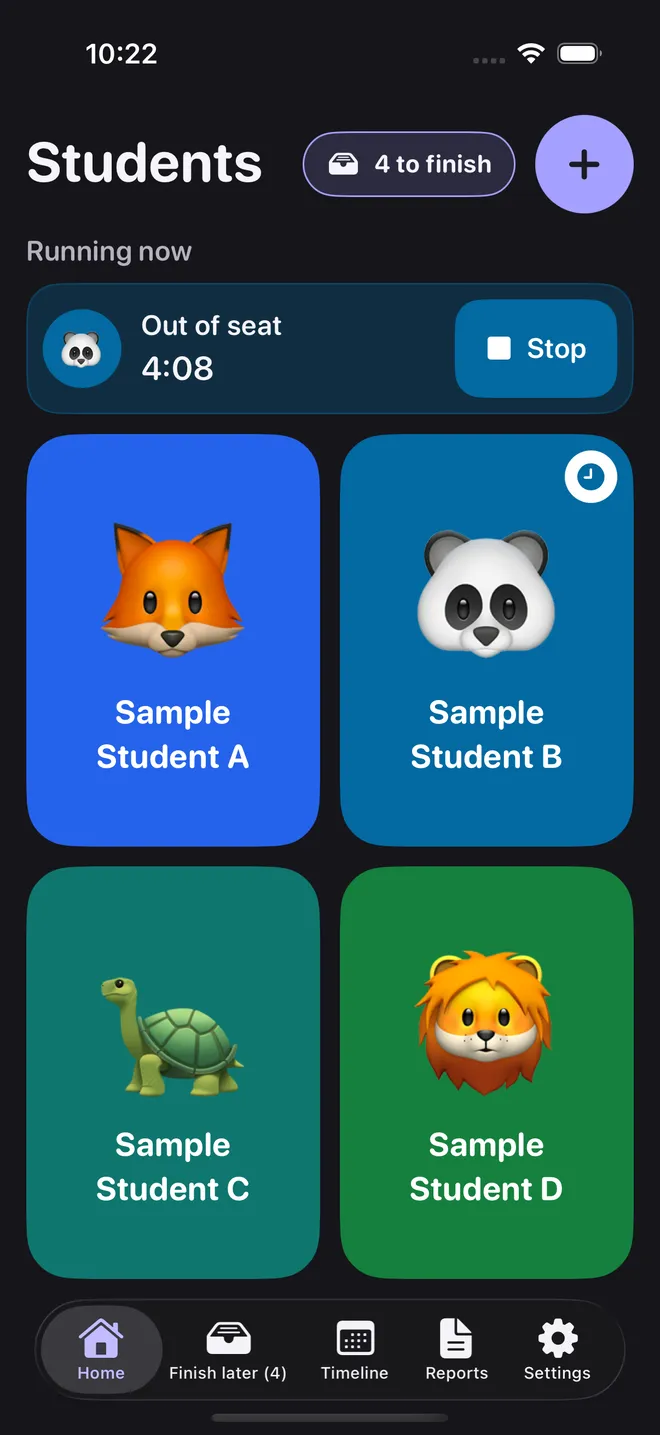
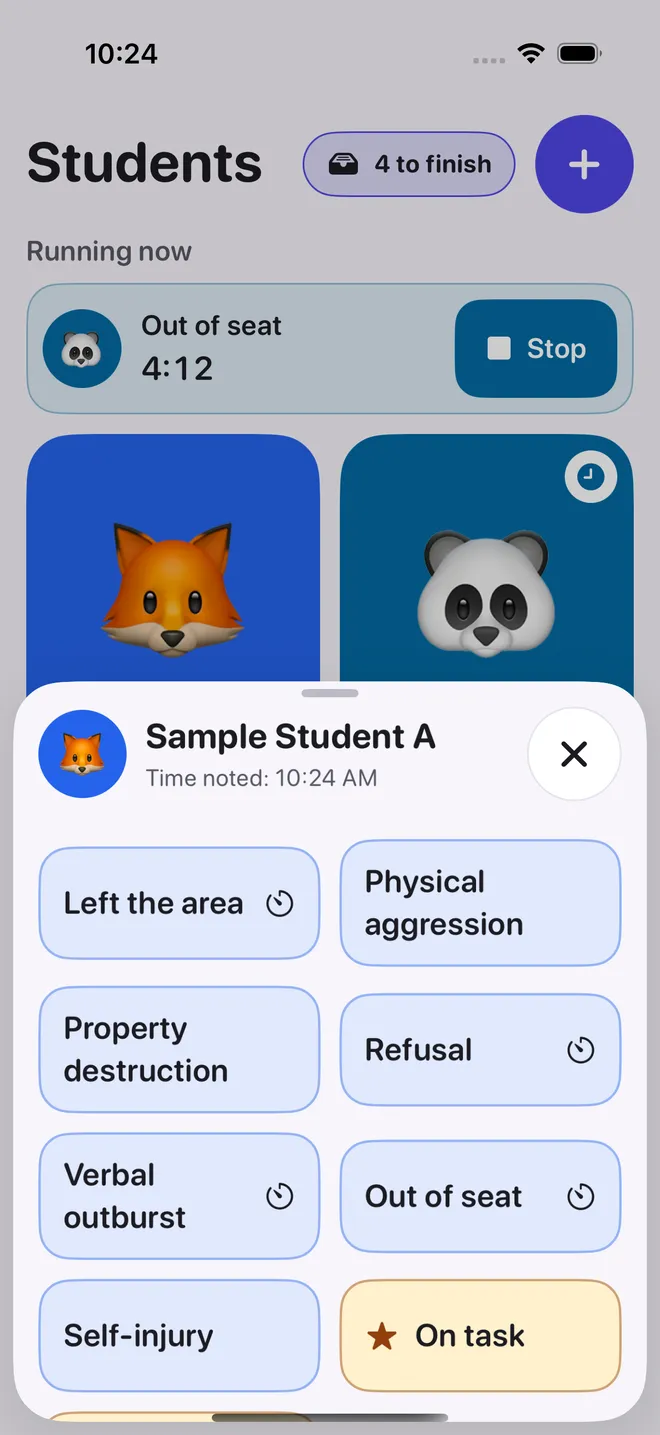
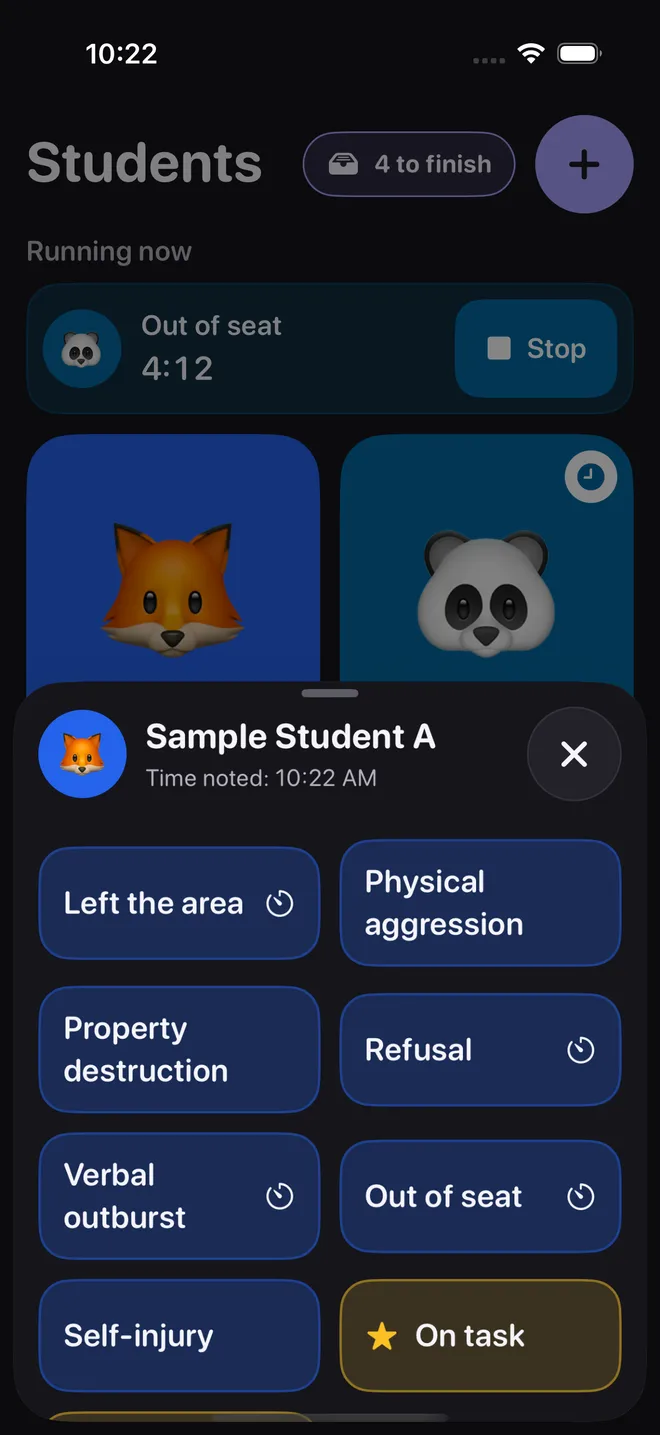
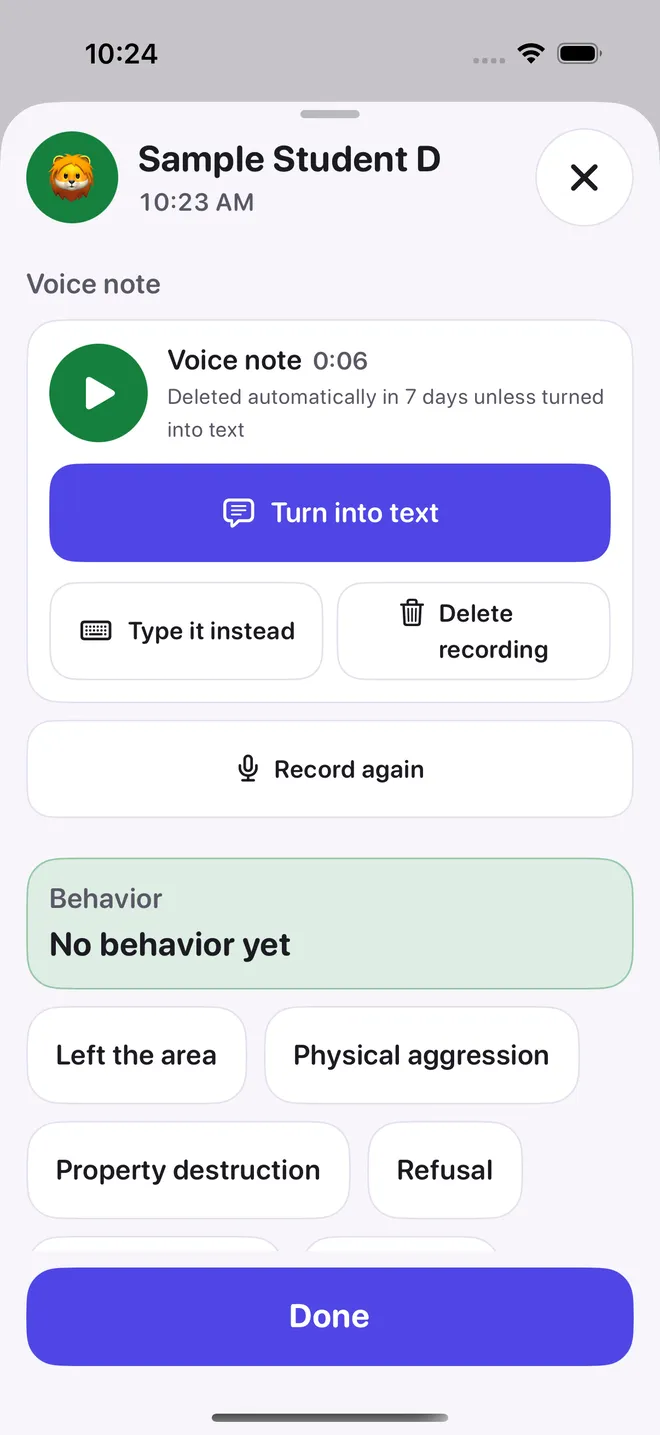
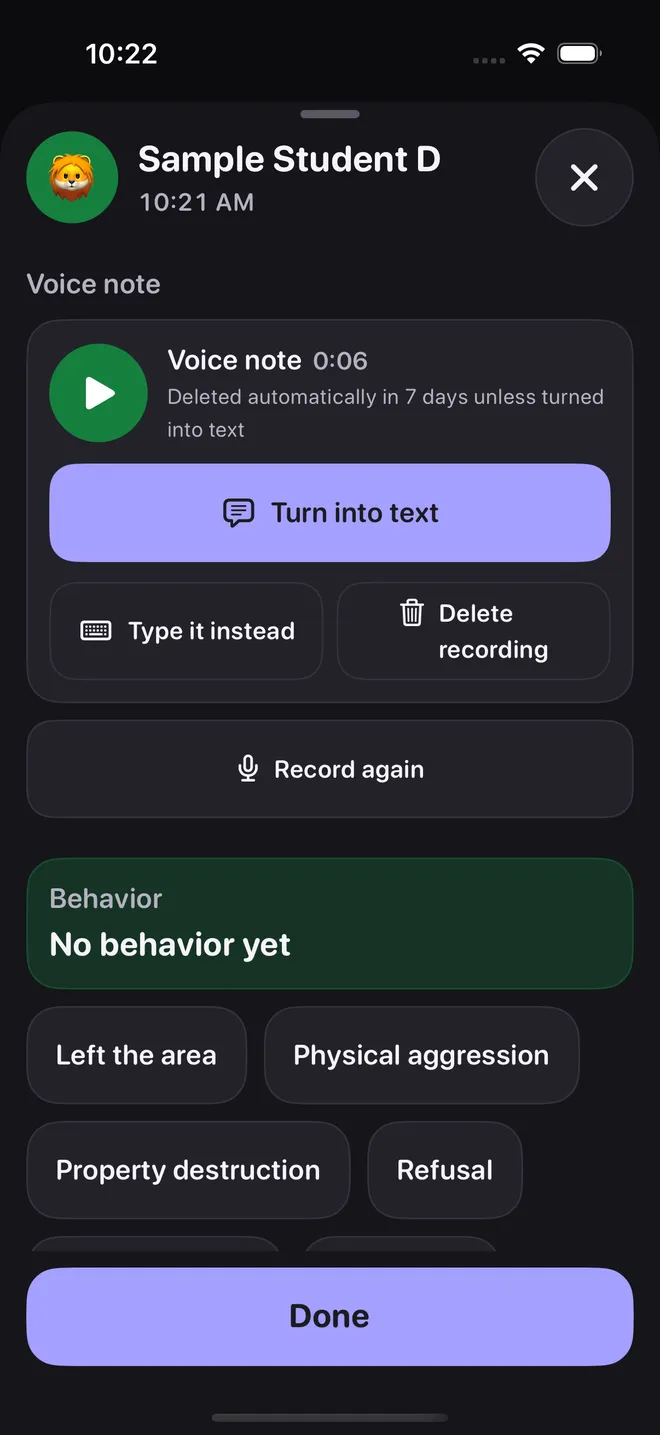
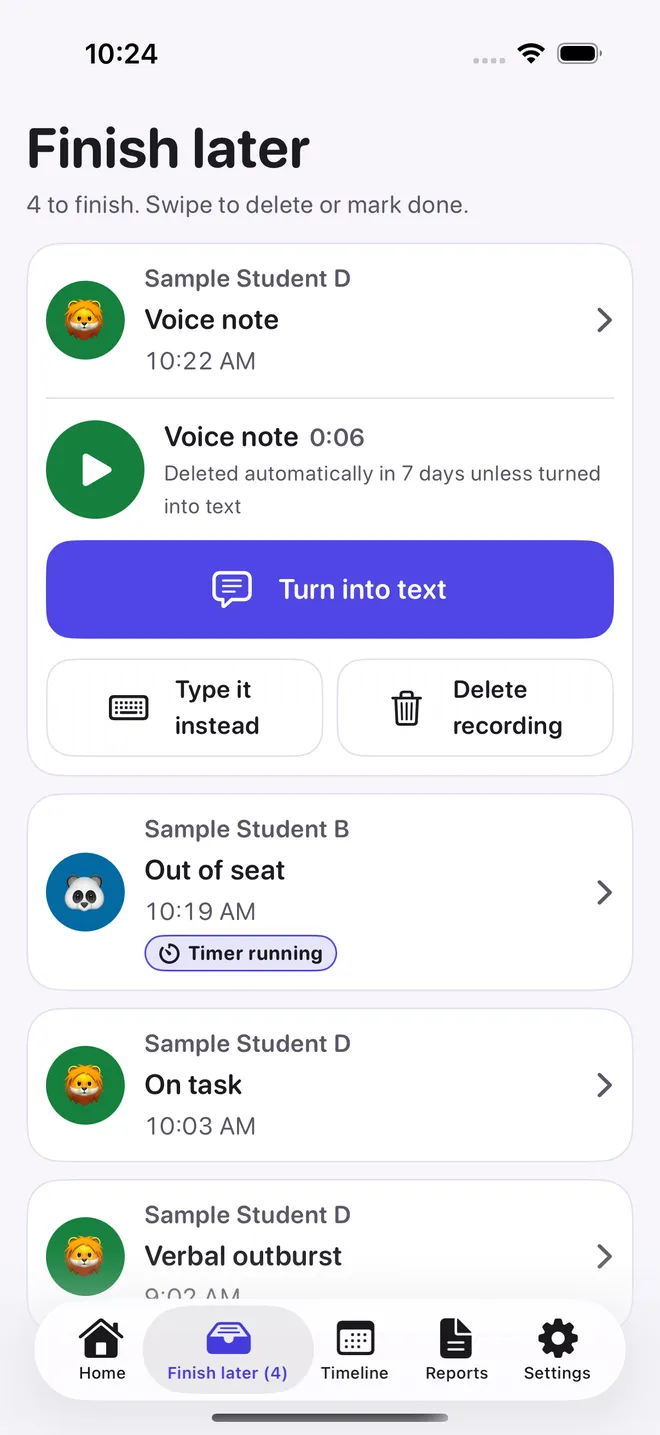
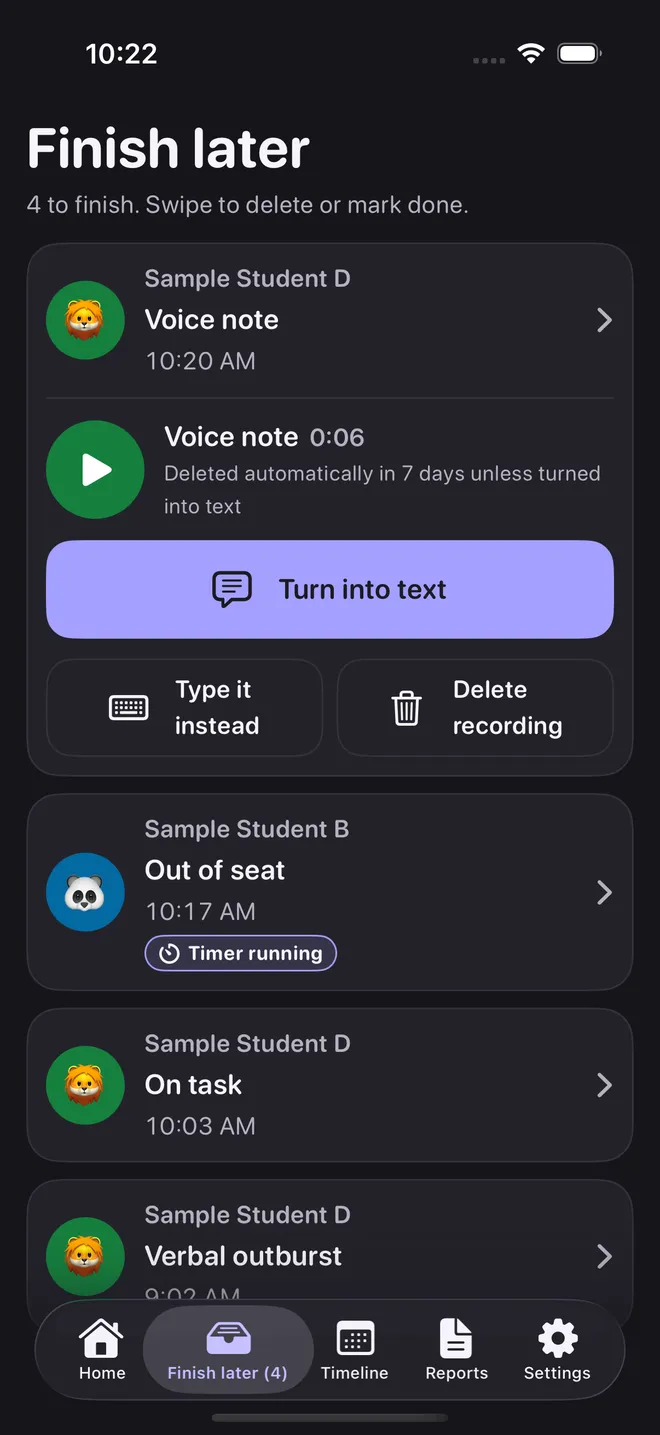
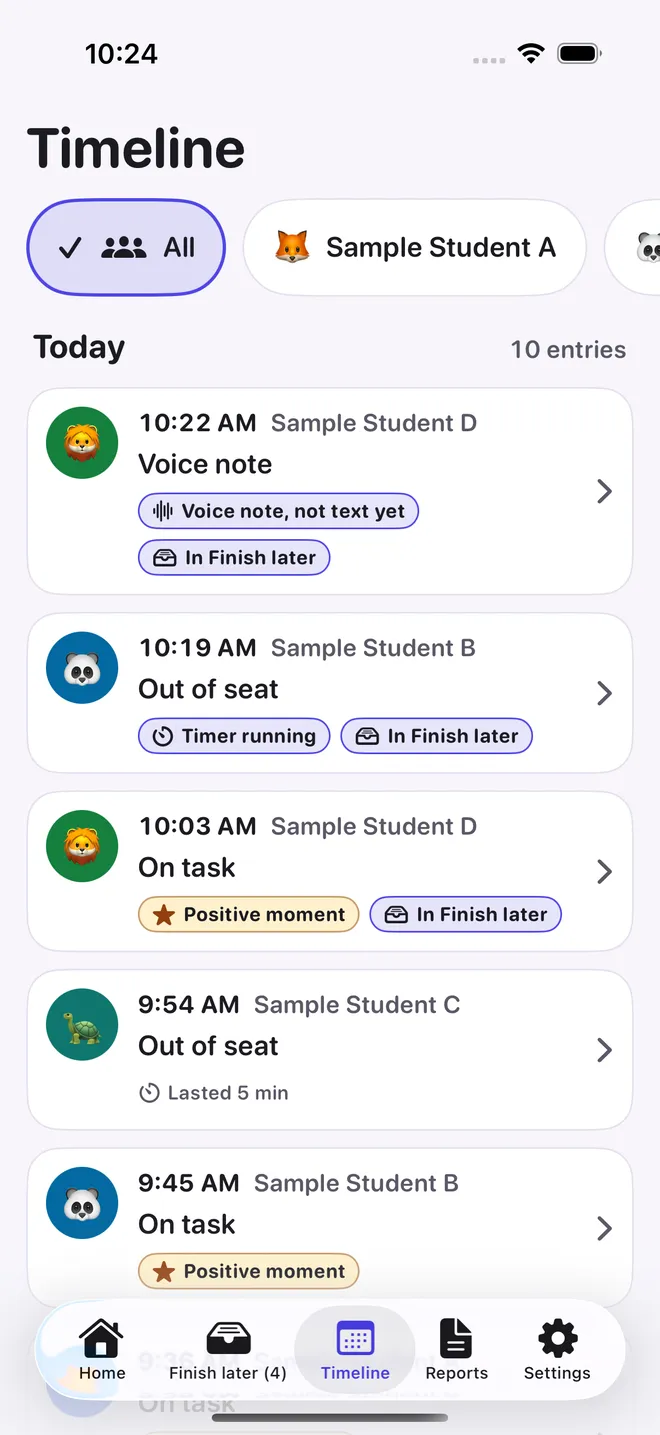
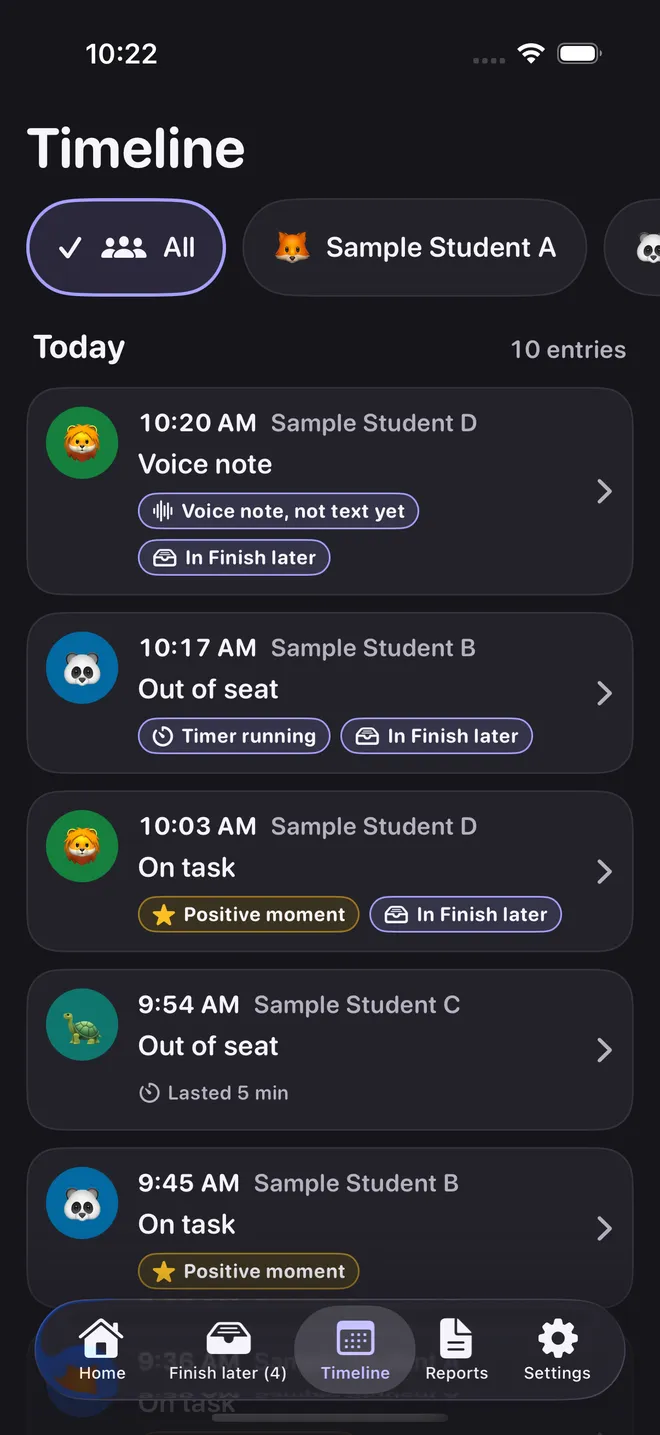
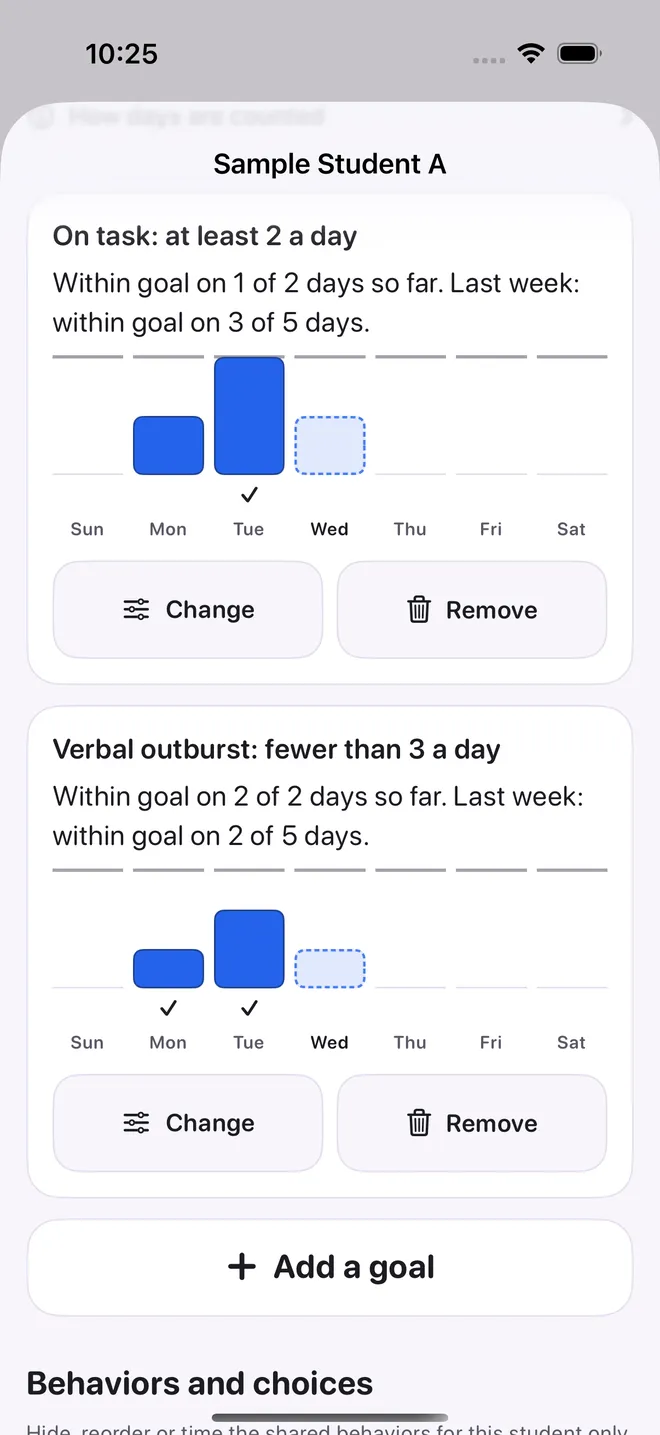
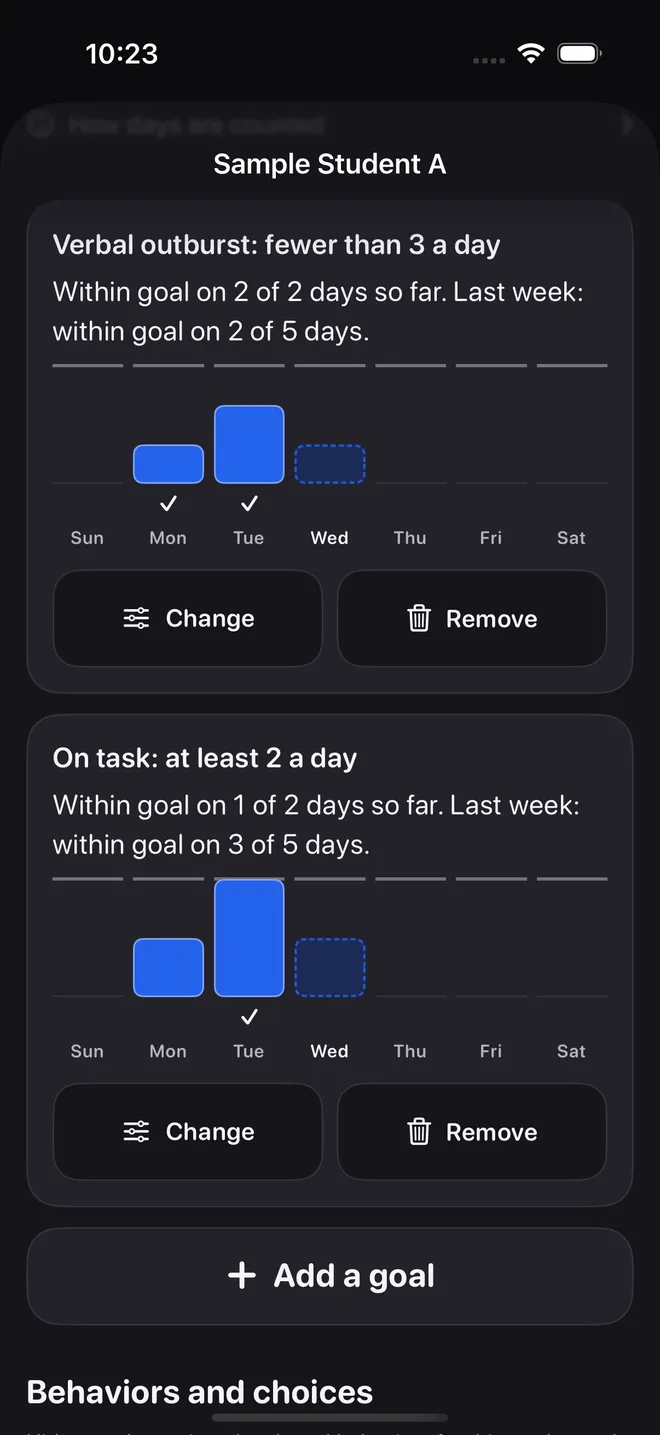
Little Log has no account, no sign-in, no ads and no analytics. It makes no network connections and works in airplane mode. Your data is kept on your device with iOS file protection.
Optional app lock with Face ID, Touch ID or your passcode. Encrypted backup to a file you save yourself, with your own password. Delete all data at any time.
Pick the icon you like in Settings. Each one is the same little log.






One-to-one aides, shadow teachers, paraprofessionals, learning support assistants and special-education staff.
Little Log helps you keep a clear record. It does not assess, diagnose or treat anyone. Follow your school's policies on student records.